MyPTV IPTV Player showing live sports on a tablet
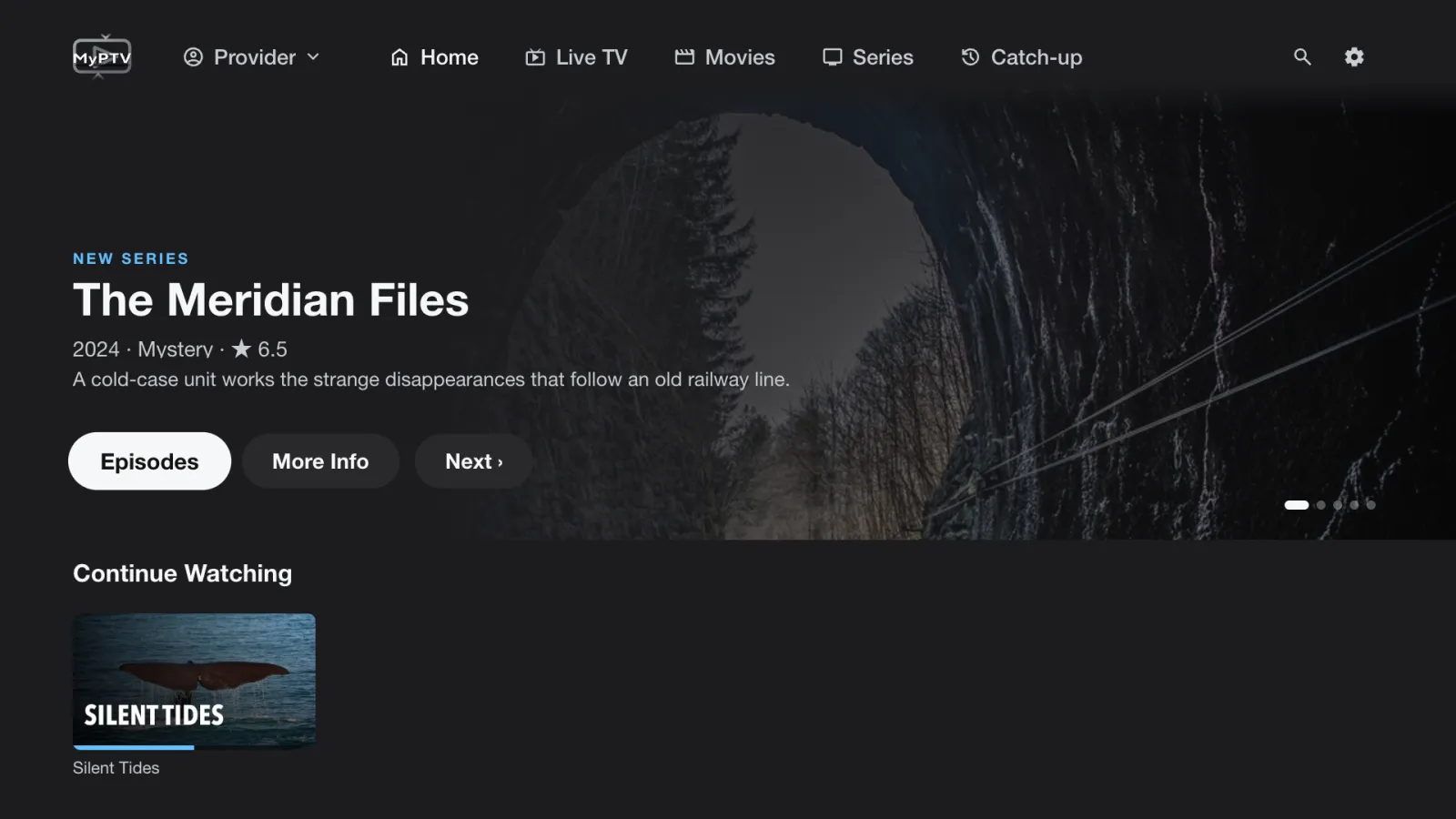
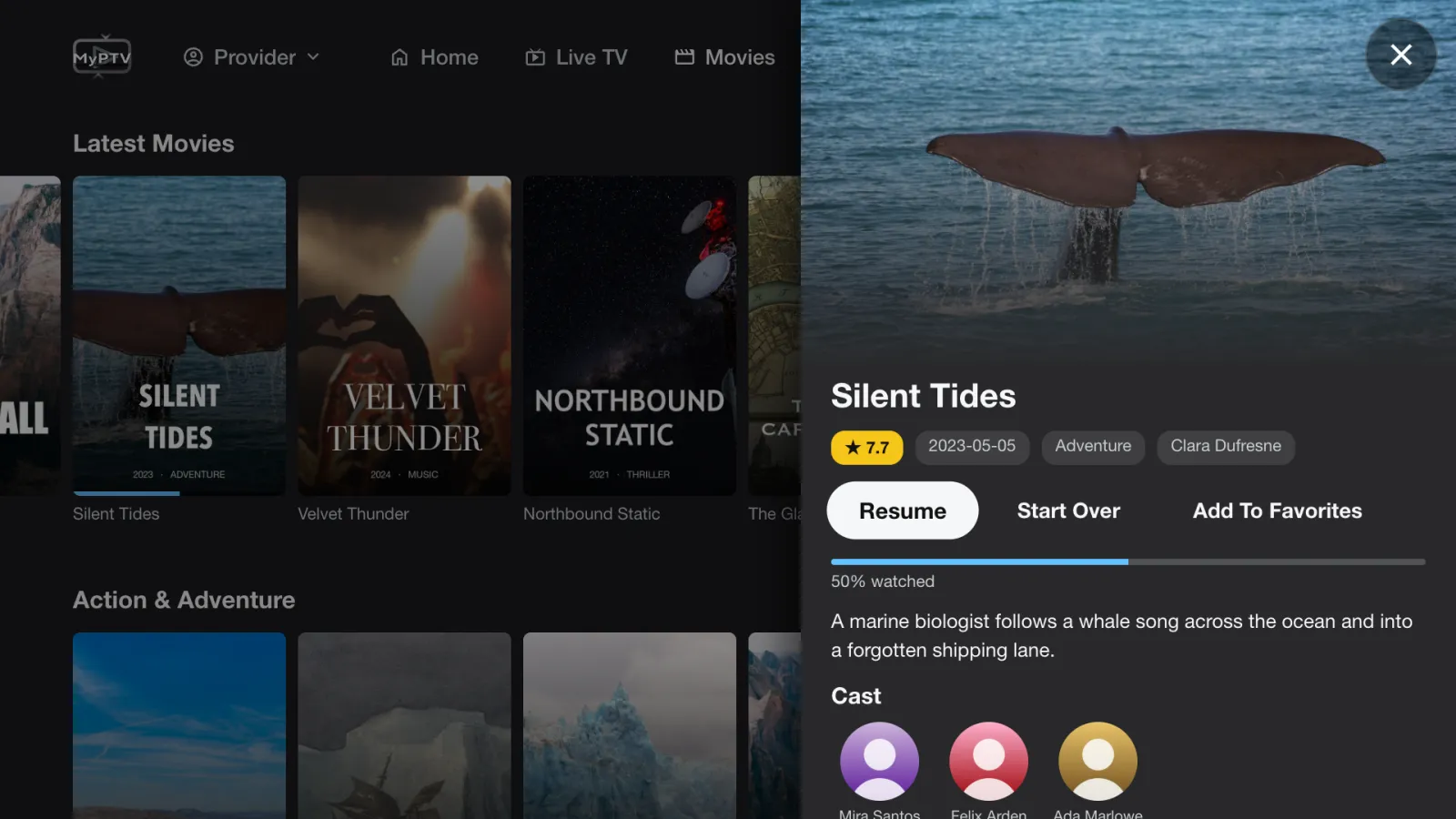
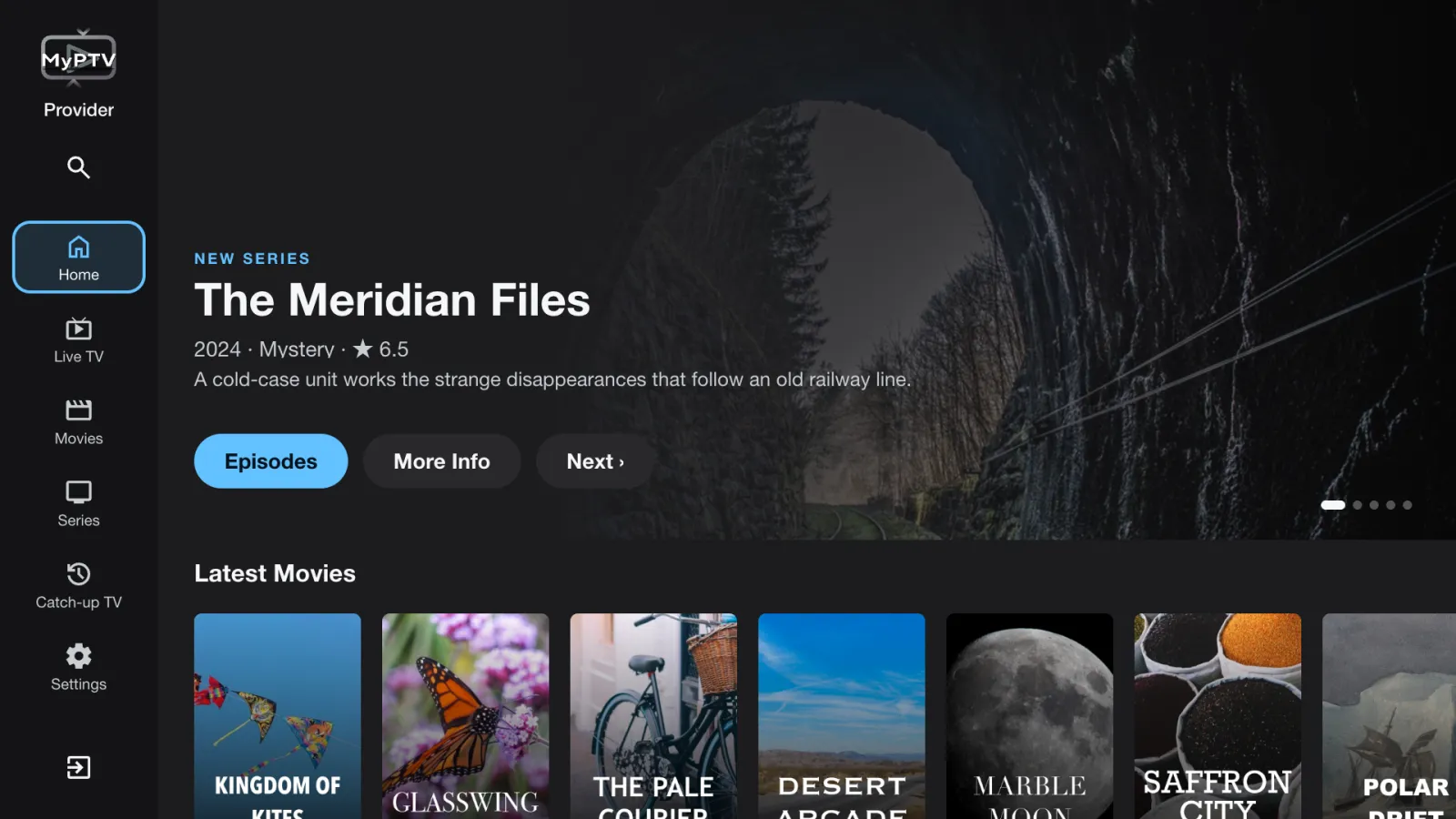
Cinematic interface from premium version
10 platformsM3U · Xtream · StalkerChromecast
Available across Apple and Android screens.

The IPTV player for every Apple and Android screen.

Import M3U/M3U8 playlists, connect via Xtream Codes API, or authenticate with a Stalker MAC portal. MyPTV runs natively on macOS, iPhone, iPad, Apple TV, Android mobile, Android tablet, Android TV, and Google TV.

Looking for an IPTV Smarters alternative? MyPTV gives you M3U playlist support, Stalker portal compatibility, privacy-first setup, and Chromecast casting.

iPhone
iPad
macOS
Apple TV
Android Phone
Android Tablet
Android TV
Google TV
Stalker / MAC
Xtream Codes

Product plans

Basic
Free

Essential features for a single viewer.

  • Unlimited Channels
  • Unlimited VOD Content
  • M3U & M3U8
  • Xtream API
  • Stalker Portal
  • Live EPG
  • Save Watch History Locally
  • 1 Profile
  • Cloud Sync to Google Drive
  • Parental Lock & Filtering
Get it onGoogle Play
Ad-Free
No Ads

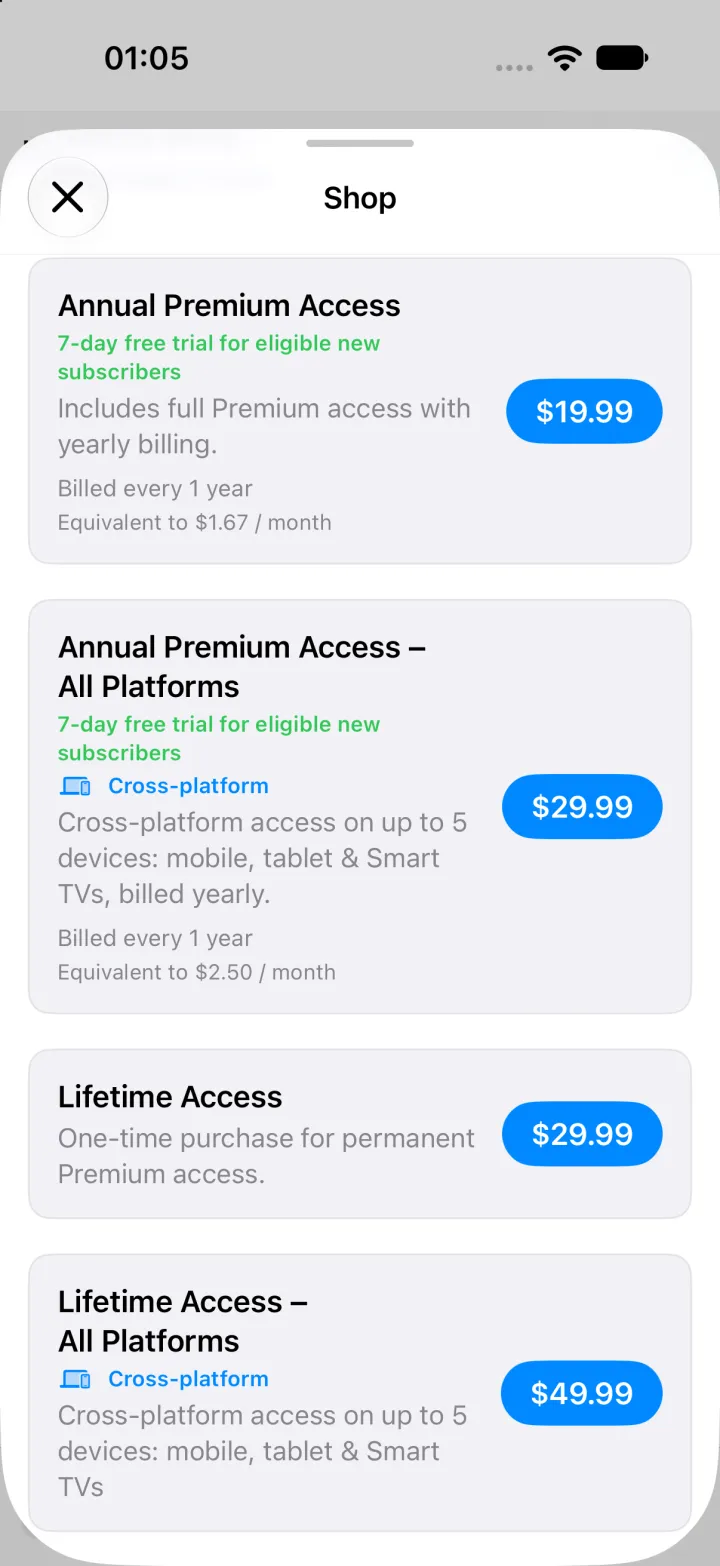
Ultimate ad-free experience with all premium features, starting with a 7-day free trial.

  • No Ads
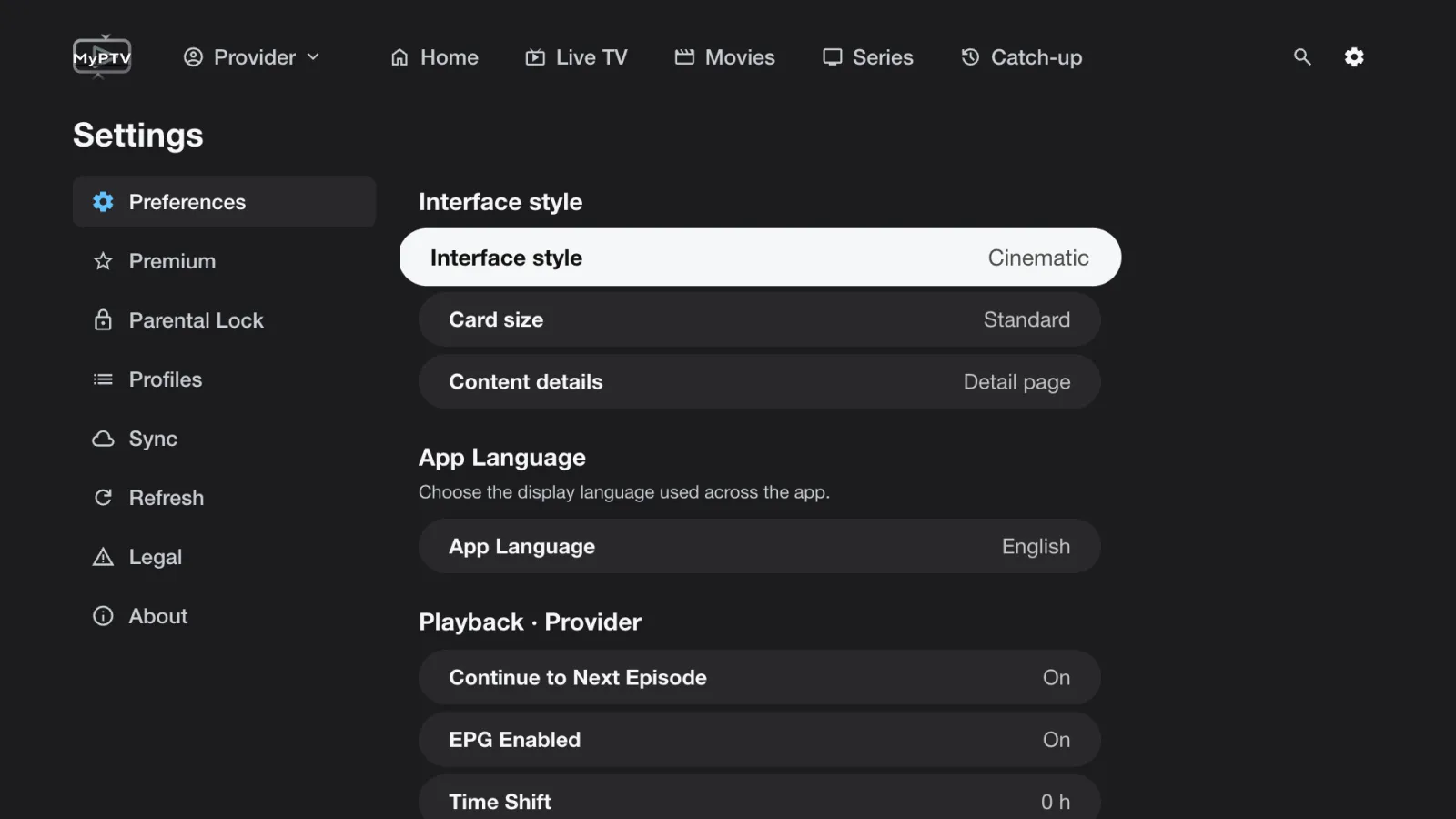
  • New Cinematic interface (Currently on Android)
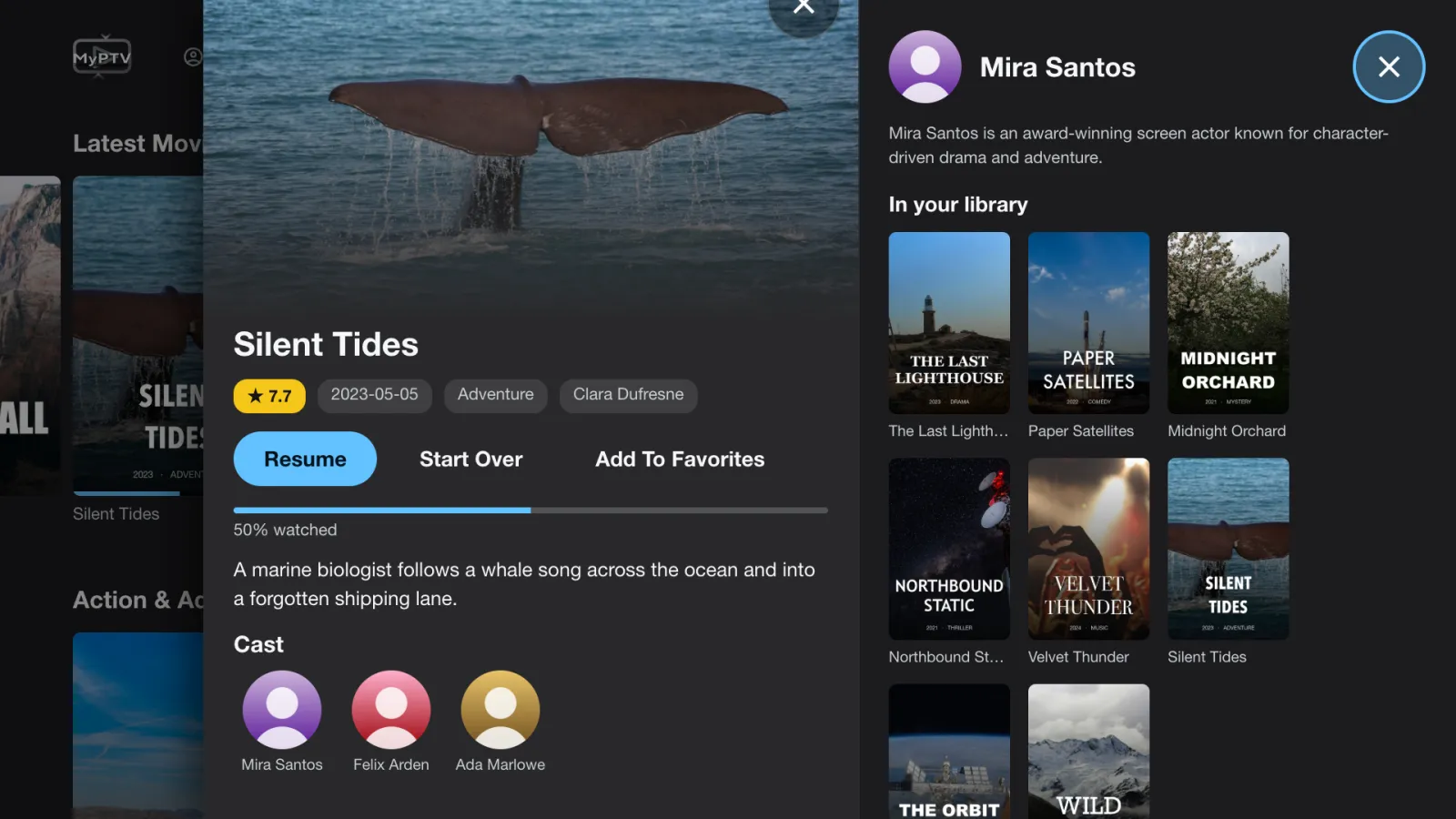
  • Browse cast member filmography and see what's in your library (Currently on Android)
  • Catch-up TV: replay recent programs straight from the guide on supported channels (Currently on Android)
  • Multiview (up to 4 Channels)
  • Unlimited Channels
  • Unlimited VOD Content
  • M3U & M3U8
  • Xtream API
  • Stalker Portal
  • Live EPG
  • Save Watch History Locally
  • Save History & Profiles to Cloud
  • Unlimited Profiles
  • Content Show/Hide
  • Category Show/Hide
  • Organize Category Lists
  • Parental Lock
  • Select Buffer Size
  • And more

Why MyPTV

M3U & M3U8 playlists

Import any M3U or M3U8 link or file, group channels by category, and keep your favorites securely synced.

Stalker Middleware & MAC portal

Connect to Stalker portal URLs using MAC address authentication — no M3U file needed, works with most set-top box providers.

Casting & big screen

Chromecast to any Google Cast device with latency-friendly buffering.

Privacy first

No unnecessary data data calls. Analytics are opt-in and aggregated only — your playlist URLs and MAC addresses stay on your device.

Platform continuity

Move between Mac, iPhone, iPad, Android mobile, Apple TV, Android TV, and Google TV without learning a different playback model.

EPG & channel guides

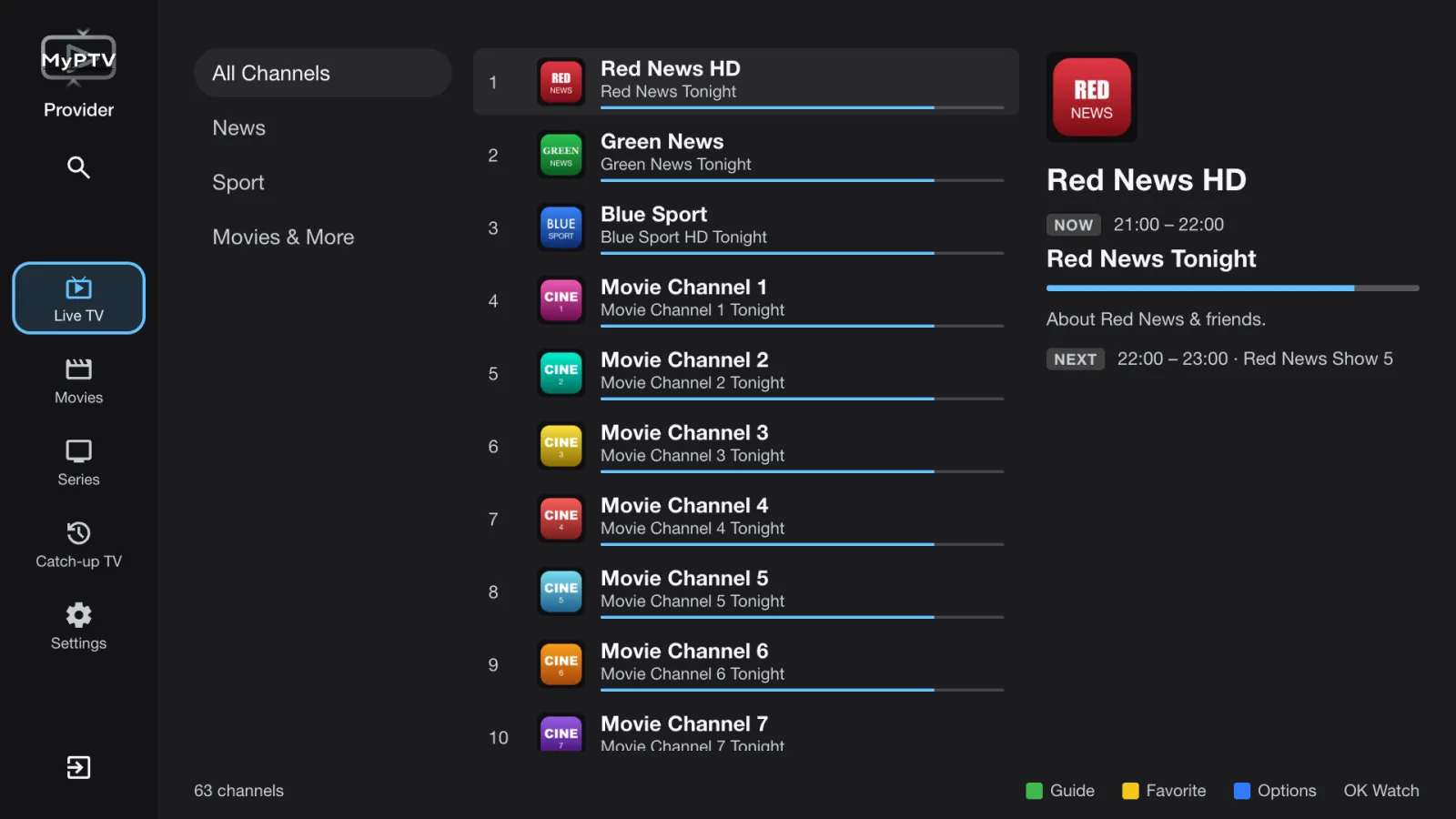
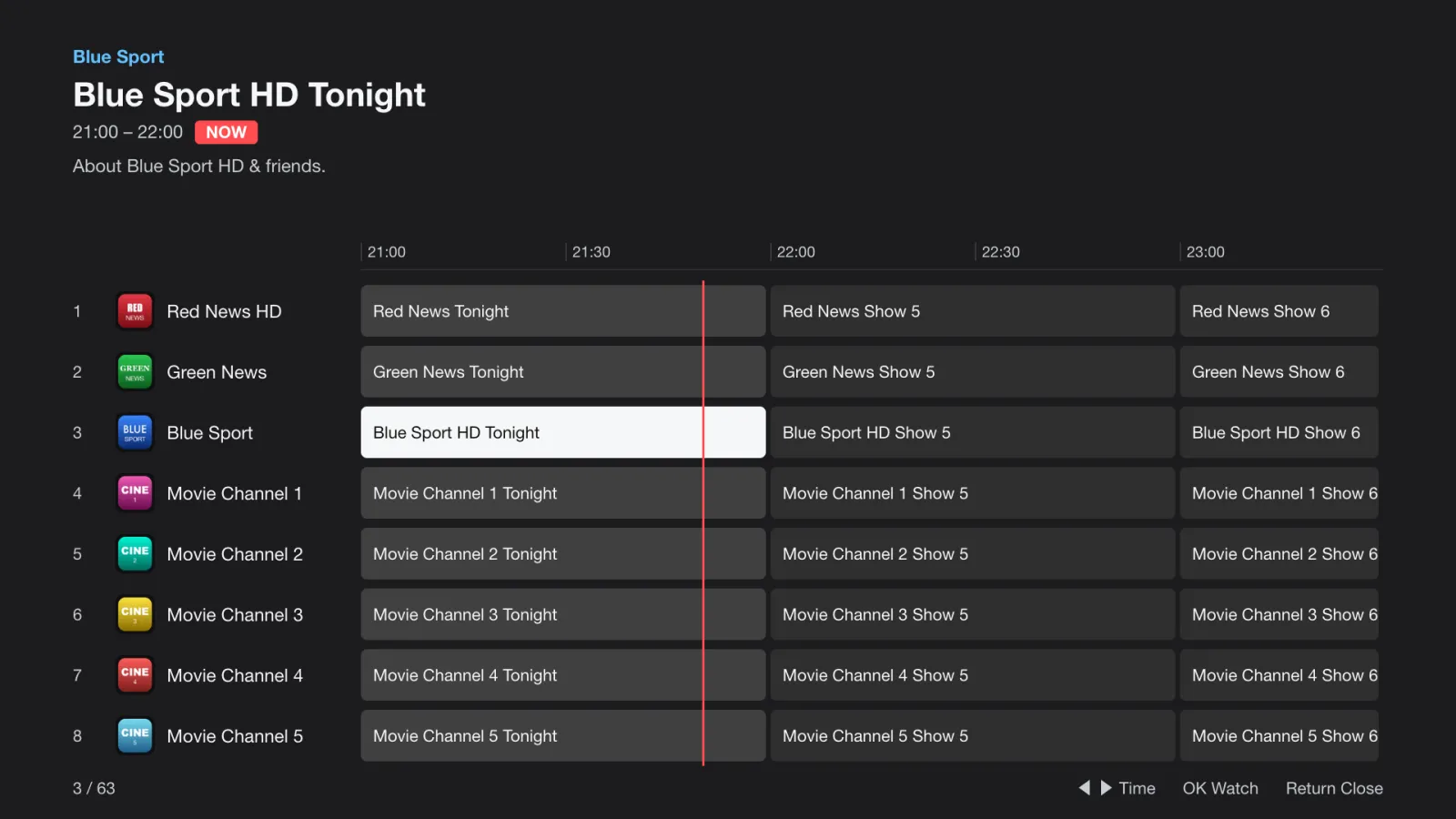
Electronic programme guide support with configurable EPG sources for a TV-style schedule view across all platforms.

Connection methods

M3U

M3U / M3U8 Playlists

Paste any M3U or M3U8 playlist URL directly into MyPTV. Supports grouped channels, custom logos, and automatic category detection. Compatible with virtually all IPTV providers.

  • Remote URL or local file import
  • Auto-refresh and playlist scheduling
  • Channel grouping and favorites
MAC

Stalker Middleware & MAC Portal

Connect directly to a Stalker Middleware portal by entering the portal URL and your device MAC address — the standard protocol used by dedicated IPTV set-top boxes and many providers.

  • Portal URL + MAC address authentication
  • Compatible with Stalker-based providers
  • No M3U export needed
XC

Xtream Codes API

Connect with a server URL, username, and password using the Xtream Codes API — the most widely supported IPTV protocol, offering live TV, video on demand, and series all in one login.

  • Live TV, VOD, and series in one connection
  • Server URL + username + password login
  • Compatible with virtually all Xtream-based providers

Platform support

iPhone

Compact touch-first browsing, favorites, and one-handed playback control.

iPad

Larger playlist layout with split-view friendly navigation.

macOS

Native Mac app with desktop playback controls and keyboard shortcuts.

Apple TV

Remote-friendly living room playback with full-screen channel surfing.

Android Phone

Touch-first IPTV playback for Android phones with Chromecast support and Google Play distribution.

Android Tablet

Optimized tablet layout with larger playlist views, split navigation, and gesture-friendly controls.

Android TV

10-foot interface for remote navigation, channel browsing, and full-screen playback on Android TV.

Google TV

Optimized for Google TV home entertainment setups with large-screen browsing and playback controls.

Stalker / MAC

Connect to Stalker Middleware portals using MAC address authentication — no M3U file required.

Xtream Codes

Log in with a server URL, username, and password to stream live TV, VOD, and series via the Xtream API.

Apple platform showcases

Android platform showcases

Frequently asked questions

Which IPTV protocols does MyPTV support?

MyPTV supports M3U and M3U8 playlists, the Xtream Codes API (server URL, username, and password), and Stalker Middleware portals using MAC address authentication.

What devices does MyPTV IPTV Player run on?

MyPTV runs natively on iPhone, iPad, macOS, Apple TV, Android mobile, Android tablet, Android TV, and Google TV.

Is MyPTV a good IPTV Smarters alternative?

Yes. MyPTV offers M3U playlist support, Xtream Codes and Stalker portal compatibility, a privacy-first setup, EPG channel guides, and Chromecast casting across Apple and Android devices.

Does MyPTV support casting to a TV?

Yes. MyPTV supports Chromecast to any Google Cast device with latency-friendly buffering.

Is MyPTV IPTV Player free?

Yes, MyPTV IPTV Player is free to download on both the App Store and Google Play.

Does MyPTV protect my privacy?

Yes. Analytics are opt-in and aggregated only. Your playlist URLs and MAC addresses stay on your device and are never sold or shared.

Trust & compliance

View terms

Data minimization

We only store what is required to run MyPTV IPTV Player. Logs are aggregated; no personal IDs, playlist URLs, or MAC addresses are sold or shared.

Cookie control

Manage analytics and marketing toggles at any time. Decisions live locally in your browser and are never uploaded.

Support that responds

Questions about feeds, Stalker portals, or parental controls? Contact us and we respond within two business days.

Contact support